GitHub SVG generator
GitHub Profile Stats Card
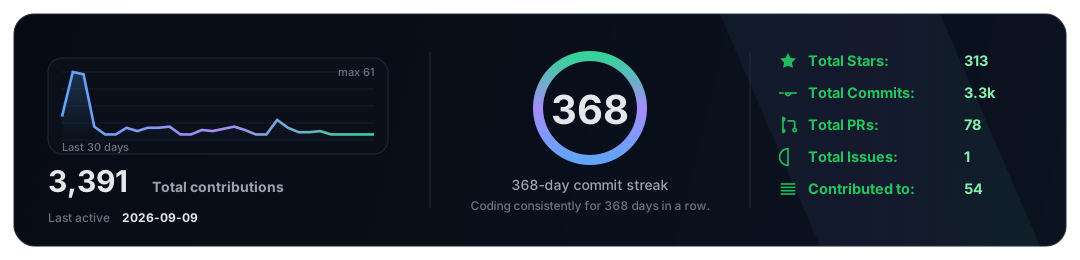
Pick a theme, preview the SVG, then copy the URL or README markdown.
Preview
Live SVG output
Themes
8 options
Generate
Customize and copy
URL
URL
https://kgnio-profile-card.vercel.app/api/card?user=kgnio&theme=midnight
README Markdown
How to use
Use my hosted endpoint in your profile README, or run it in your own repo with GitHub Actions.
Same output, different hosting.
Steps
Use hosted endpoint
1
Create profile repo
Make a repo named exactly <your-username>.
2
Add README.md
GitHub shows it on your profile.
3
Paste embed markdown
Pick username + theme and paste into README.
Embed example
Markdown
